Interior Design Tools & Systems You Can’t Work Without
Designed by interior designers with 20+ years of experience, these Canva-based templates and tools help you present projects beautifully, organize selections clearly, and streamline your design workflow.
From client presentations to concept development, these systems help designers work smarter, save time, and deliver polished design proposals with confidence.

Who These Tools Are For
Designed for interior designers who want stronger structure behind their creative work.
These Interior Design Systems support students building their first portfolio, freelance designers refining client presentations, and studios developing consistent, professional project documentation.
From mood boards to sourcing lists and presentation layouts, the tools bring clarity and organization to every stage of the design process.
Running Your Design Workflow Shouldn’t Feel This Chaotic
The same bottlenecks slow down most interior designers.
Rebuilding Presentations
Too much time is lost recreating layouts for every project.
Disorganized Selections
Finishes, furniture, and sourcing details become difficult to track.
Unclear Client Communication
Clients struggle to fully grasp the design direction.
Admin Overload
Too much organizing. Not enough designing.
Why Interior Designers Choose These Tools
Interior designers are creative problem solvers — but the right systems make the work behind the scenes more efficient, polished, and professional.
Client-Ready
Mood Boards
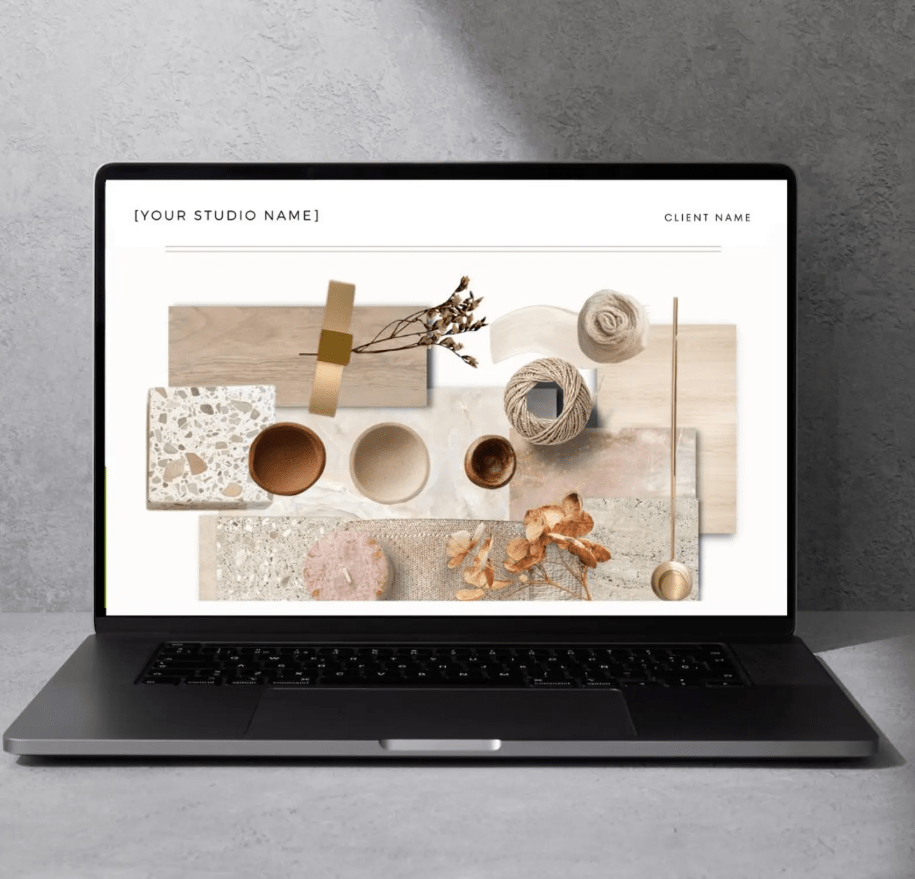
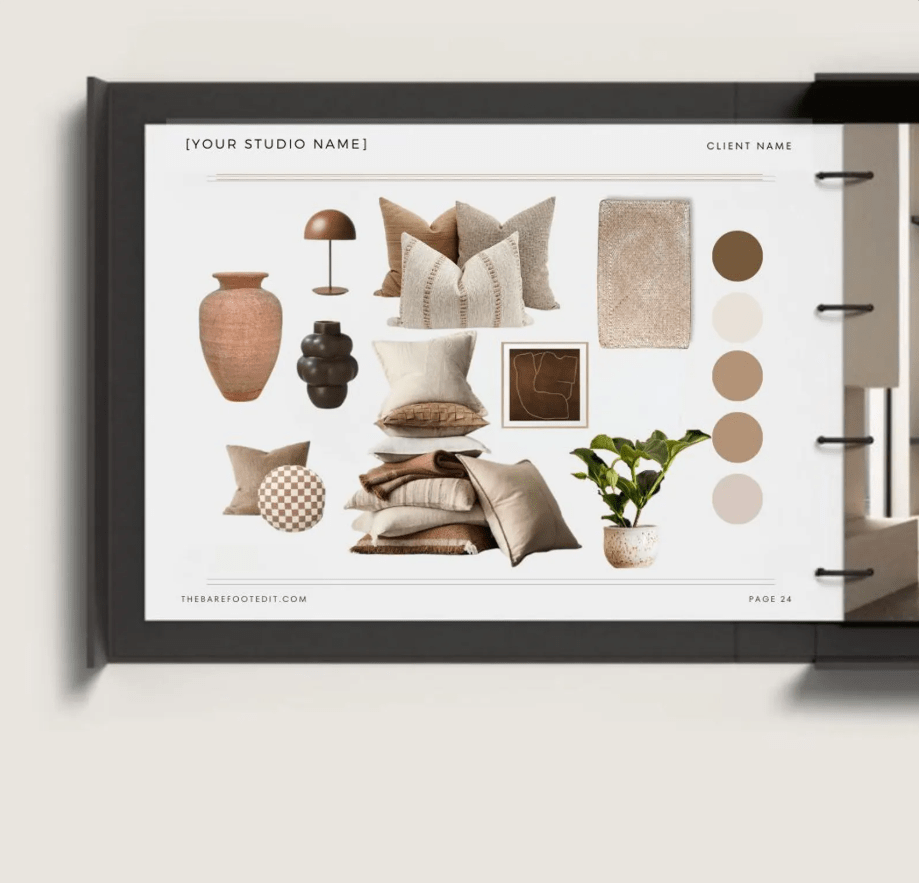
Create cohesive, style-led mood boards that help communicate your design vision clearly to clients.
Structured
Presentation Systems
Present concepts beautifully with organized layouts designed to bring clarity and professionalism to every project.
Portfolio-Driven
Design Work
Build refined project documentation that strengthens your portfolio and elevates your presentation quality.
Choose Your Interior Design System
Whether you’re building your first portfolio or running a growing studio, these systems are designed to help you present projects professionally and manage your workflow with confidence.

Compare the Interior Design Systems
Choose the toolkit that best fits your stage of growth — from building your first portfolio to running a more advanced design studio workflow.
| Feature | Student Design Starter Kit | Designer Launch Kit | Studio Pro System |
|---|---|---|---|
| Design Presentation Templates | Limited | Full Library | Full Library |
| Mood Boards & Flat Lay Templates | ✓ | ✓ | ✓ |
| Floor Plan & Spatial Planning Guides | ✓ | ✓ | ✓ |
| Metric Toolkit | ✓ | ✓ | ✓ |
| Furniture Shopping List / Procurement Tools | — | ✓ | Advanced |
| FF&E / Finishes & Fixtures Schedules | — | ✓ | Advanced |
| Client Presentation & Proposal Tools | — | ✓ | ✓ |
| Budget & Project Tracking Tools | — | — | ✓ |
| Best For | Students & Beginners | Freelance Designers | Studios & Advanced Projects |
See What You Can Create With These Systems
These interior design templates are designed to support the real workflow behind every project — from the first concept mood board to the final client presentation.
Instead of rebuilding layouts for every project, simply duplicate the system and focus on what matters most: designing beautiful spaces.


Interior Designers Love These Tools
“These templates completely changed how I present projects to clients. Everything now looks structured, professional, and easy to understand.”
“Instead of recreating presentations every time, I duplicate the system and start designing. It saves hours on every project.”
“My mood boards and sourcing sheets finally feel cohesive. Clients immediately understand the design direction.”
Inside The Interior Design Systems
Each system includes thoughtfully designed templates created to support the real workflow behind interior design projects — from concept development to final client presentation.
Depending on the system you choose, you’ll gain access to tools that help you organize selections, present ideas clearly, and streamline your design process.

Client Presentation Templates
Structured presentation layouts designed to help communicate your design vision clearly to clients.

Mood Board Layouts
Create cohesive visual concept boards that guide the design direction.

Furniture Sourcing Sheets
Organize products, suppliers, and selections in a clear and professional format.

Floor Plan & Spatial Planning Pages
Present layout ideas and spatial concepts with clean structured templates.

Metric Toolkit
Plan layouts more accurately with metric-based spatial tools designed to support room dimensions, scale, and interior planning workflows.

FF&E Schedule Templates
Track finishes, fixtures, and furniture selections for each project.

Portfolio Pages
Showcase your completed projects in a refined, professional format.

Project Concept Boards
Develop and present early design ideas in a structured way.
Start Designing With A System That Supports Your Workflow
Interior design projects involve more than creativity — they require structure, organization, and clear communication with clients.
These interior design systems were created to help designers present ideas beautifully, manage selections professionally, and streamline the design process from concept to completion.
Choose the system that fits where you are in your design journey and start building a more refined workflow today.