Interior Design Tools & Systems for Presentations, Pricing & Workflow
Designed to help interior designers, students, and studios present projects beautifully, price services with confidence, organize client work, and streamline the business side of design.
Choose from three interior design systems built for different stages of growth — from beginner portfolio building to freelance client work and advanced studio workflows.
START HERE
Choose the path that fits what you need most
Start with one of our core Interior Design Systems, or explore business and brand templates designed to support the wider business side of interior design.
Choose a Core Interior Design System
For students, freelance designers, decorators, and studios who need presentation tools, workflow resources, pricing sheets, client templates, and project organization.
Choose My SystemExplore Business & Brand Templates
For designers who want to grow their brand presence with Instagram templates, website templates, semi-custom brand suites, launch layouts, and marketing tools.
View Business TemplatesBuild Your Designer Resource Vault
For designers who want to expand their workflow with furniture cutouts, decor assets, lighting libraries, material textures, sourcing tools, and client communication kits.
Explore Add-Ons


Running Your Design Workflow Shouldn’t Feel This Chaotic
The same bottlenecks slow down most interior designers.
Rebuilding Presentations
Too much time is lost recreating layouts for every project.
Disorganized Selections
Finishes, furniture, and sourcing details become difficult to track.
Unclear Client Communication
Clients struggle to fully grasp the design direction.
Admin Overload
Too much organizing. Not enough designing.
Why Interior Designers Choose These Tools
Interior designers are creative problem solvers — but the right systems make the work behind the scenes more efficient, polished, and professional.
Client-Ready
Mood Boards
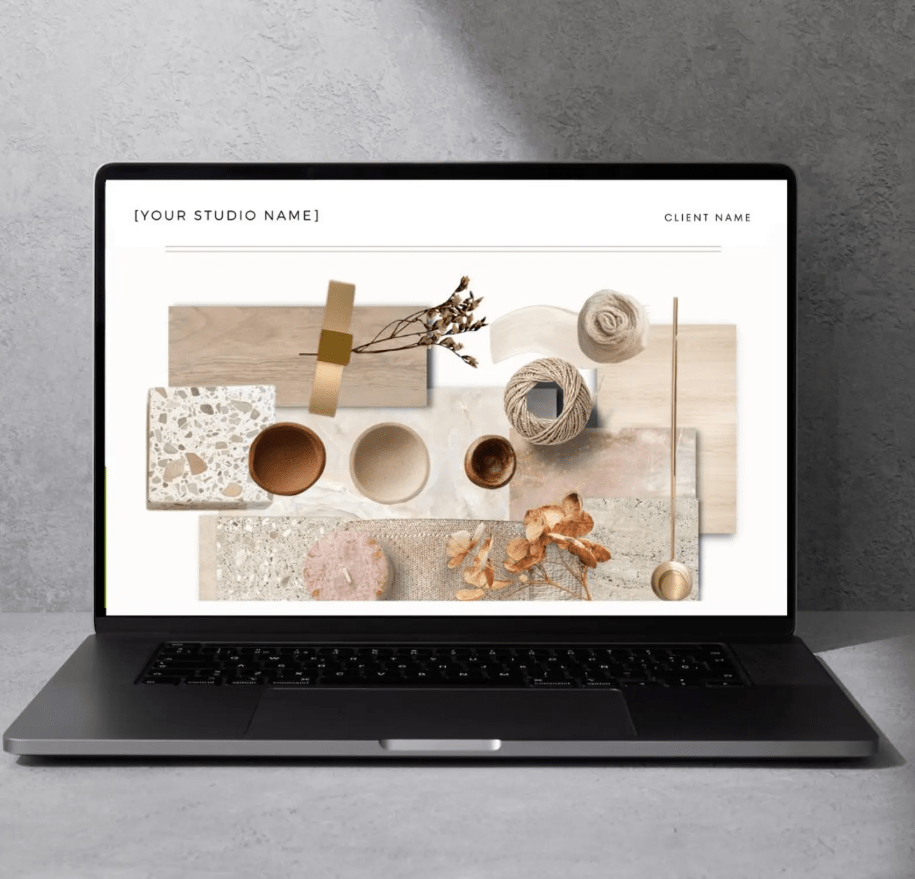
Create cohesive, style-led mood boards that help communicate your design vision clearly to clients.
Structured
Presentation Systems
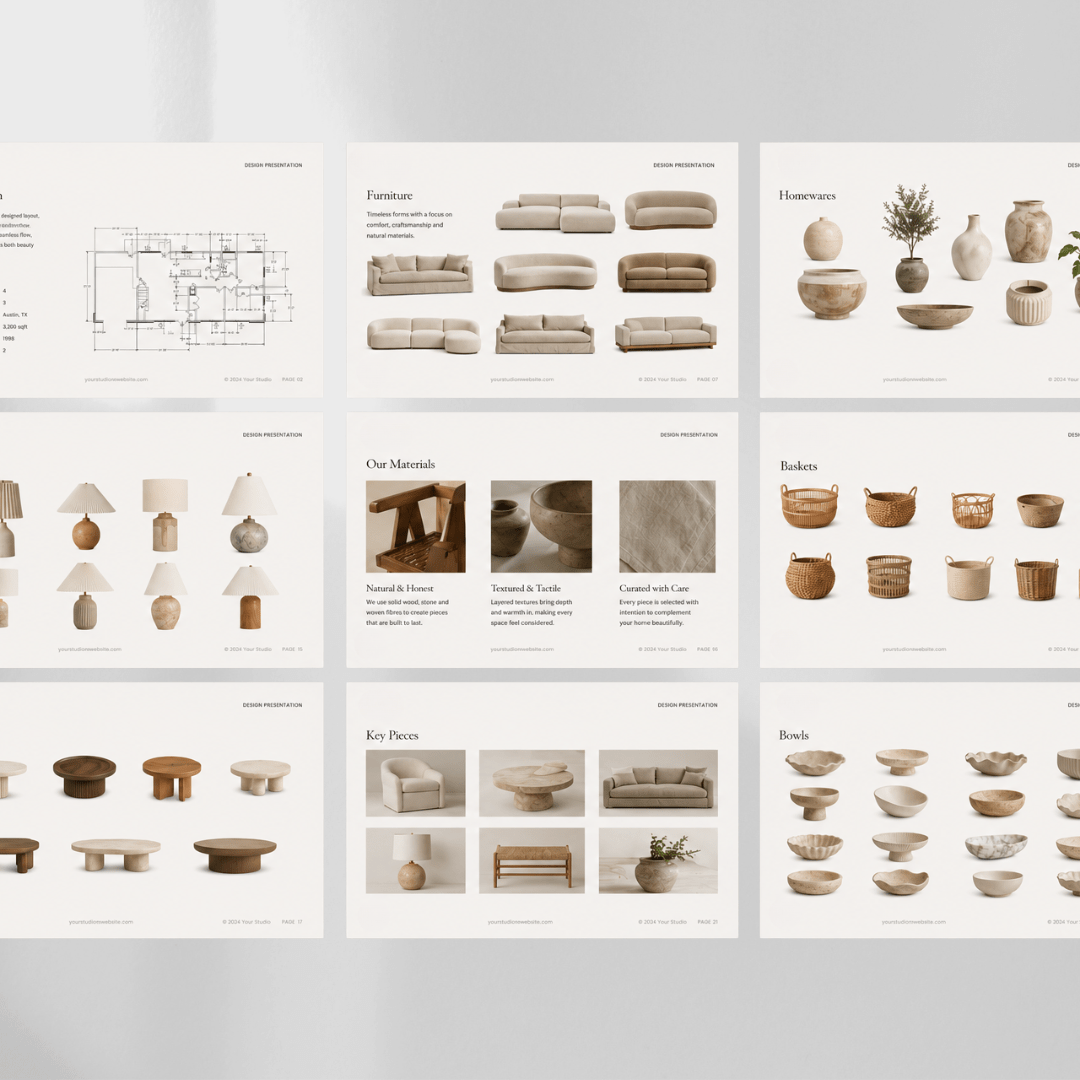
Present concepts beautifully with organized layouts designed to bring clarity and professionalism to every project.
Portfolio-Driven
Design Work
Build refined project documentation that strengthens your portfolio and elevates your presentation quality.
CHOOSE YOUR SYSTEM
Choose Your Interior Design System
Start with the system that fits your stage of growth. Each Interior Design System is designed to help you present projects professionally, organize your workflow, and work with more confidence.
Student Design System
For students and beginners building their first portfolio.
View Student System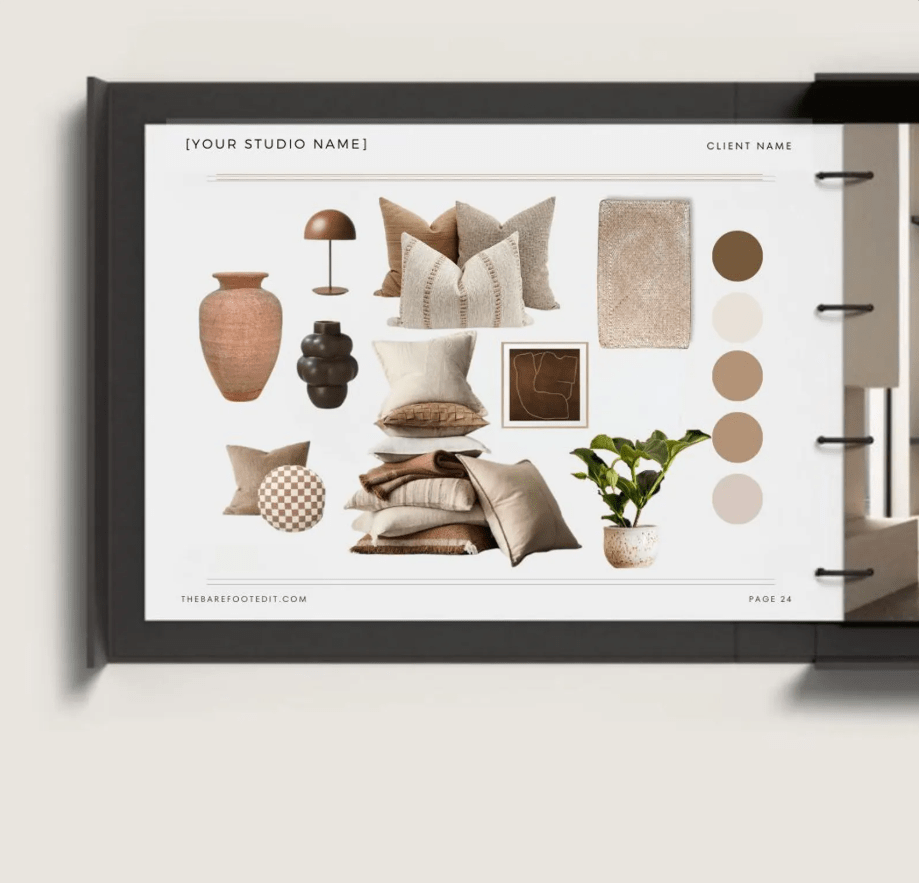
Designer Launch System
For freelance designers managing real client projects.
View Designer Launch System
Studio Pro System
For established studios and advanced project workflows.
View Studio Pro SystemINCLUDED IN EVERY SYSTEM
The Interior Designer Profit System™
Every Interior Design System includes the Interior Designer Profit System™ — a practical Google Sheets workbook created to help designers price services, prepare quotes, issue invoices, track payments, monitor profitability, manage tasks, and organize the business side of design with more confidence.
Pricing & Package Tools
- Hourly Rate Calculator
- Consultation Pricing
- Flat Fee Projects
- Room Packages
- E-Design Packages
- Industry Pricing Benchmarks
Profit & Project Tracking
- Visual Dashboard
- Profit Tracker
- Proposal Profit Checker
- Scope Creep Calculator
- Hours Breakdown
- Dashboard Data
Quotes, Invoices & Payments
- Client Quote Template
- Invoice Template
- Invoice Register
- Payment Tracker
- Client Contact Template
- Business Settings
Workflow & Task Management
- Workflow Ecosystem
- Meeting Minutes
- Task Sheet
- All Project Tasks
- Procurement
- Should I Take This Client?
This system is included in the Student Design System, Designer Launch System, and Studio Pro System — so every customer receives the business tools needed to price, quote, invoice, track, and organize design projects from the start.
COMPARE THE SYSTEMS
Compare the Interior Design Systems
Choose the system that best fits your stage of growth — from building your first portfolio to running a more advanced design studio workflow.
| Feature | Student Design System | Designer Launch System | Studio Pro System |
|---|---|---|---|
| Interior Designer Profit System™ | Included | Included | Included |
| Pricing, Quote & Invoice Tools | ✓ | ✓ | ✓ |
| Profit, Payment & Task Tracking | ✓ | ✓ | ✓ |
| Design Presentation Templates | Limited | Full Library | Full Library |
| Mood Boards & Flat Lay Templates | ✓ | ✓ | ✓ |
| Floor Plan & Spatial Planning Guides | ✓ | ✓ | ✓ |
| Metric Toolkit | ✓ | ✓ | ✓ |
| Furniture Shopping List / Procurement Tools | — | ✓ | Advanced |
| FF&E / Finishes & Fixtures Schedules | — | ✓ | Advanced |
| Client Presentation & Proposal Tools | — | ✓ | ✓ |
| Budget & Project Tracking Tools | — | — | ✓ |
| Best For | Students & Beginners | Freelance Designers | Studios & Advanced Projects |
WHO THESE TOOLS ARE FOR
Built for Every Stage of Your Design Workflow
Whether you are learning, launching, or running a more established studio, these systems are created to help you present, price, organize, and manage interior design projects with more confidence.

For Students
For students and beginners building their first interior design portfolio, learning how to present ideas, and creating polished design work with more structure.

For Freelance Designers
For freelance interior designers managing real client projects who need professional mood boards, presentations, sourcing pages, pricing tools, and organized workflow templates.

For Established Studios
For established studios and advanced project workflows that need client-ready systems for presentations, project planning, procurement, documentation, and professional organization.
See What You Can Create With These Systems
These interior design templates are designed to support the real workflow behind every project — from the first concept mood board to the final client presentation.
Instead of rebuilding layouts for every project, simply duplicate the system and focus on what matters most: designing beautiful spaces.


Interior Designers Love These Tools
“These templates completely changed how I present projects to clients. Everything now looks structured, professional, and easy to understand.”
“Instead of recreating presentations every time, I duplicate the system and start designing. It saves hours on every project.”
“My mood boards and sourcing sheets finally feel cohesive. Clients immediately understand the design direction.”
Inside The Interior Design Systems
Each system includes thoughtfully designed templates created to support the real workflow behind interior design projects — from concept development to final client presentation.
Depending on the system you choose, you’ll gain access to tools that help you organize selections, present ideas clearly, and streamline your design process.

Client Presentation Templates
Structured presentation layouts designed to help communicate your design vision clearly to clients.

Mood Board Layouts
Create cohesive visual concept boards that guide the design direction.

Furniture Sourcing Sheets
Organize products, suppliers, and selections in a clear and professional format.

Floor Plan & Spatial Planning Pages
Present layout ideas and spatial concepts with clean structured templates.

Metric Toolkit
Plan layouts more accurately with metric-based spatial tools designed to support room dimensions, scale, and interior planning workflows.

FF&E Schedule Templates
Track finishes, fixtures, and furniture selections for each project.

Portfolio Pages
Showcase your completed projects in a refined, professional format.

Project Concept Boards
Develop and present early design ideas in a structured way.
Start Designing With a System That Supports Your Workflow
Interior design projects involve more than creativity — they require structure, organization, and clear communication with clients.
These interior design systems were created to help designers present ideas beautifully, manage selections professionally, and streamline the design process from concept to completion.
Choose the system that fits where you are in your design journey and start building a more refined workflow today.
EXPLORE MORE DESIGN RESOURCES
Browse the Designer Resource Vault
Explore add-on resources created to help interior designers expand their workflow with design assets, client communication kits, sourcing tools, and workflow add-ons.


EXPLORE BUSINESS & BRAND TEMPLATES
Browse the Business & Brand Templates
Explore editable templates created to help interior designers build a more polished brand presence, market their services, and show up professionally online.